Graphics
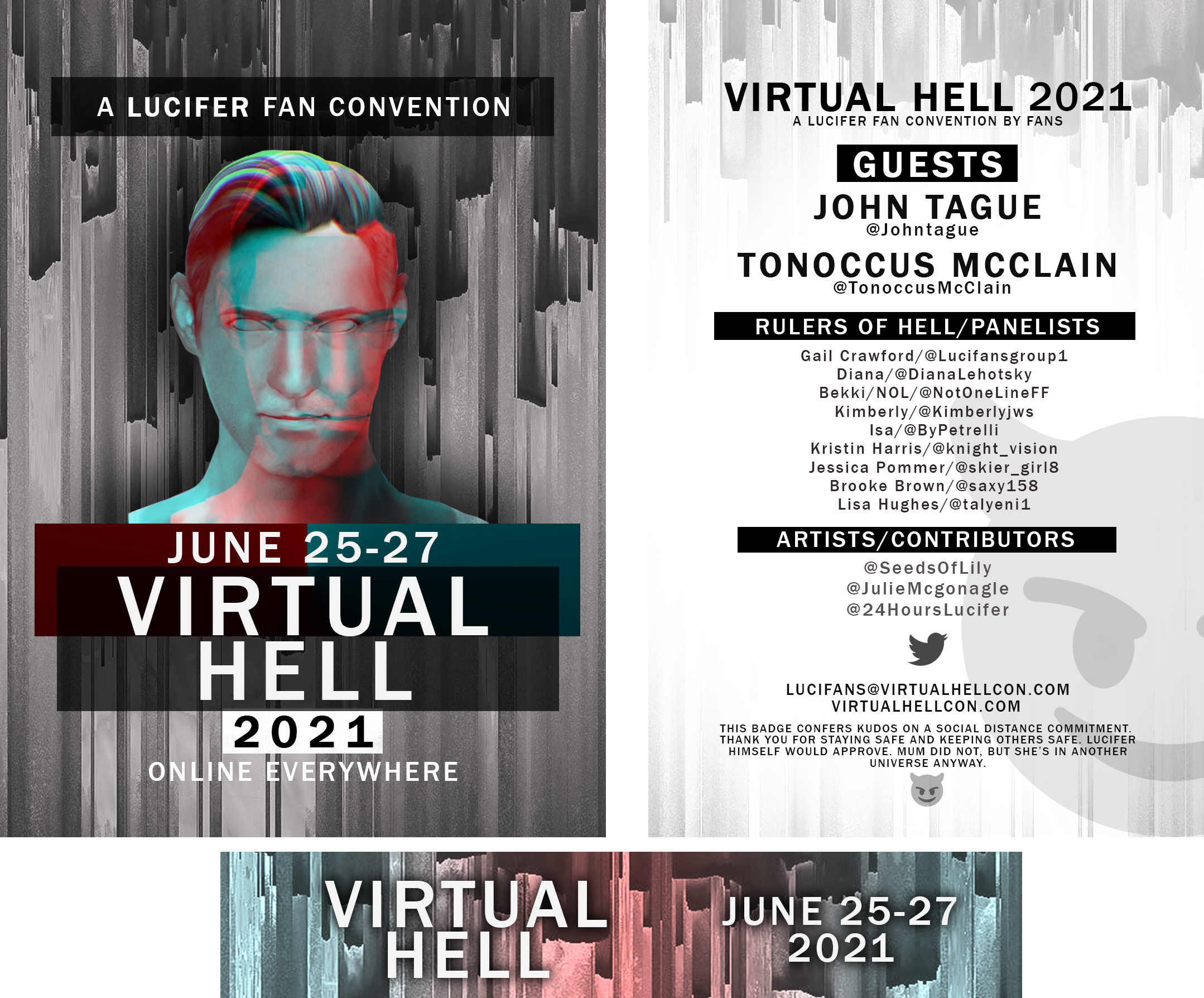
With more than a decade of experience in Photoshop and additional Adobe programs, I can create anything you need. I have worked with print, web, news graphics, and team design
3D Modeling
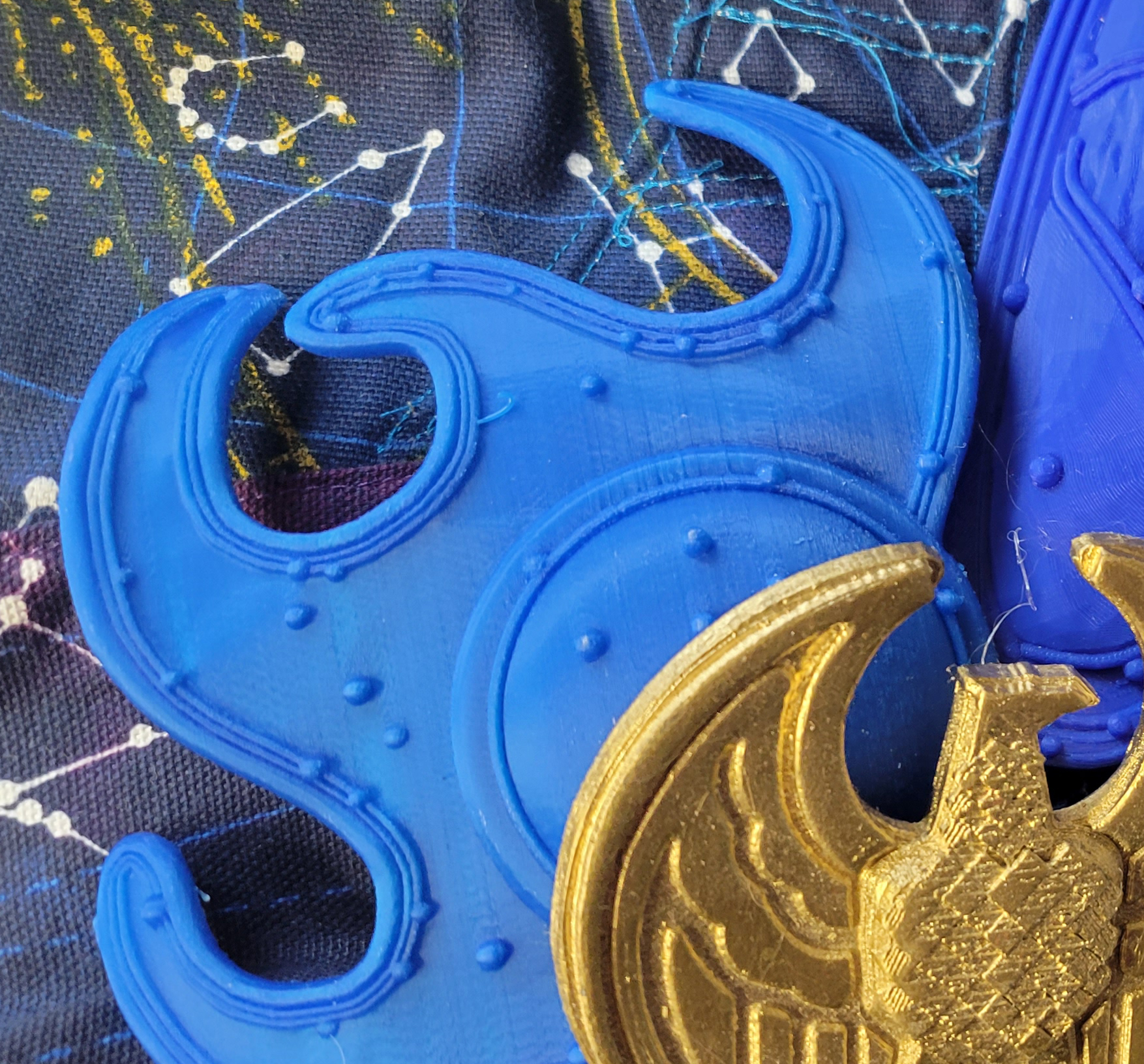
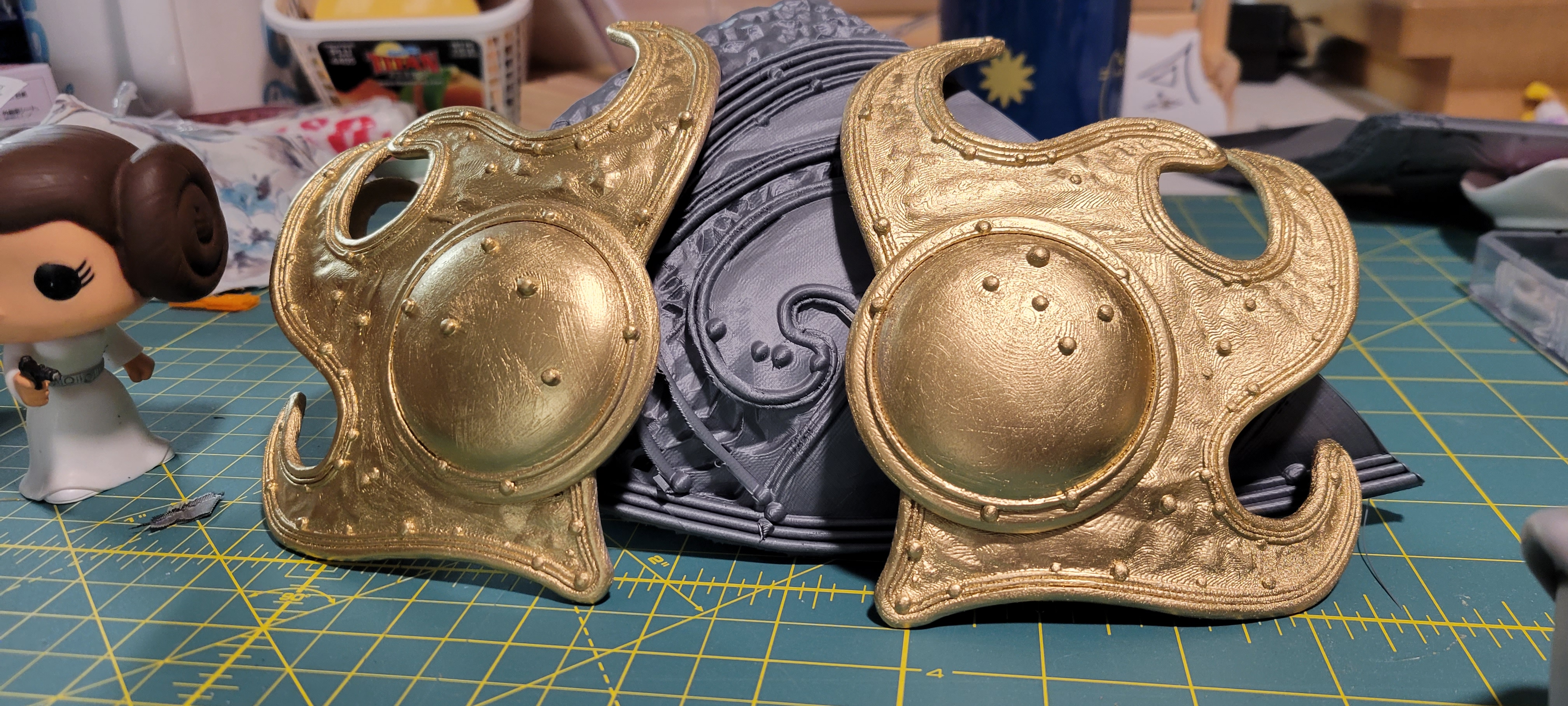
I work in Lightwave 3D to design high-quality 3D models suitable for printing. I have 3D printers for prototyping and test printing as well as for production.
Costuming
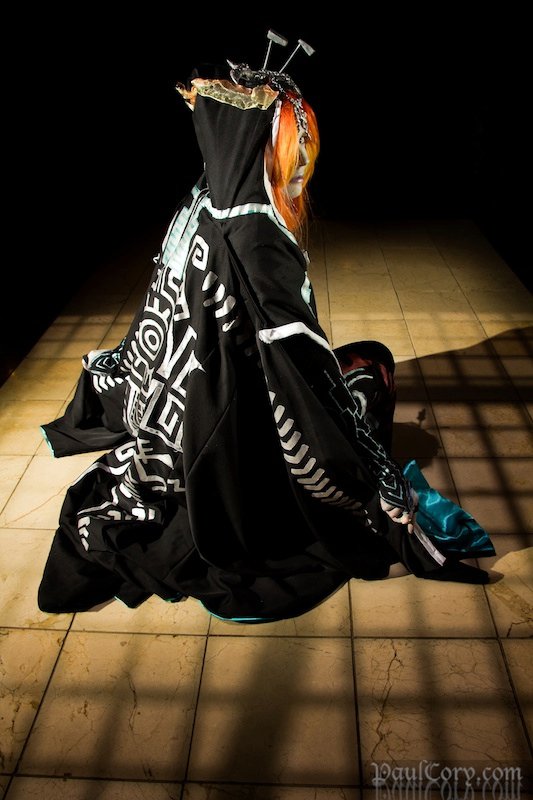
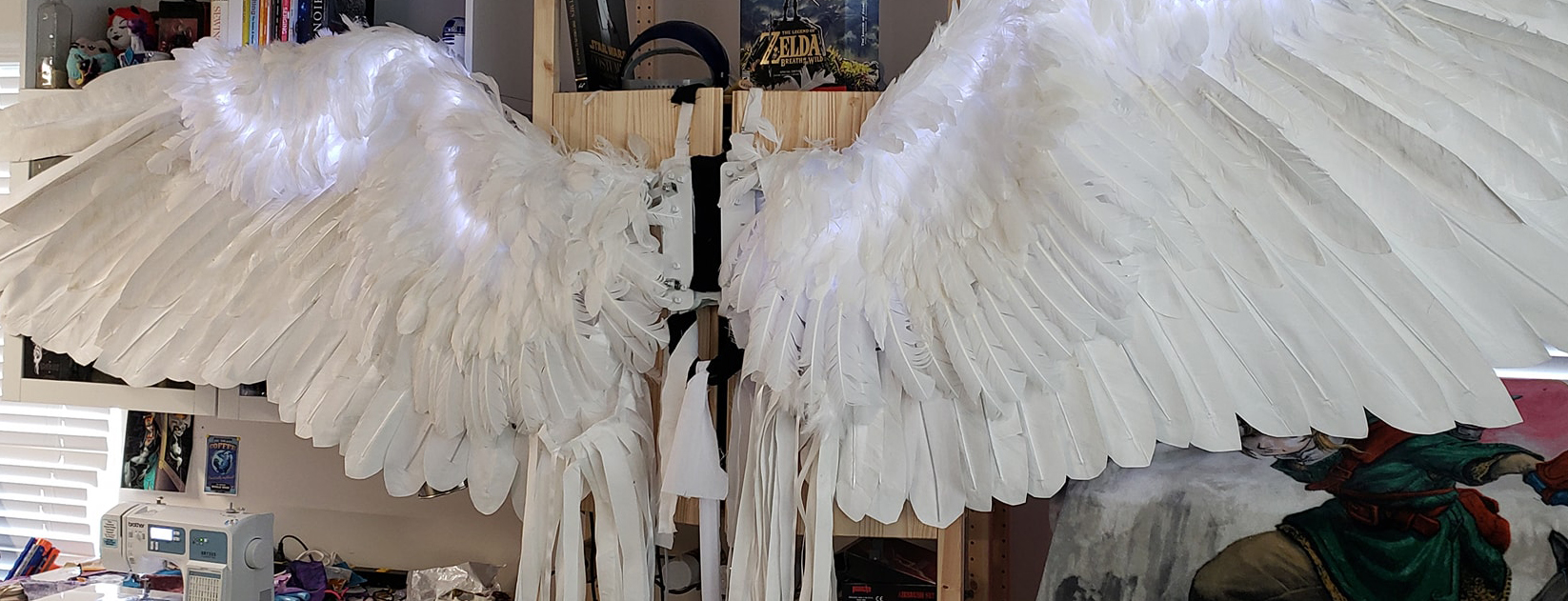
I can make anything. Props made out of 3D printed parts to hand-built costumes from foam, fabric, and paint. Best in show winner and costume judge, I have a critical eye for detail.
Services
My Skillset
Graphic Design
Video and print media for trade shows, commercials, film shorts, social media, email campaigns, and websites.
3D Modeling and Printing
Custom CAD for objects ranging from hard to find costume props, replacement parts for antiques, prototypes for manufacturing, and one of a kind(or many) object d'art.
Costuming
High fidelity costuming and prop construction with any and all materials for stage, film, conventions, or shows
Video Editing
16+ years of experience in everything from live broadcast to film, to weddings, documentaries, or concerts. I take your video and audio and clean it to your standards.


Contact
Address
724 Dellwood Drive, Huntersville, NC 28078
Email Me
kwills@gmail.com
Call or text
+1 919 412 9781